Printing your portrait. At home, at a pharmacy or at a photo lab.
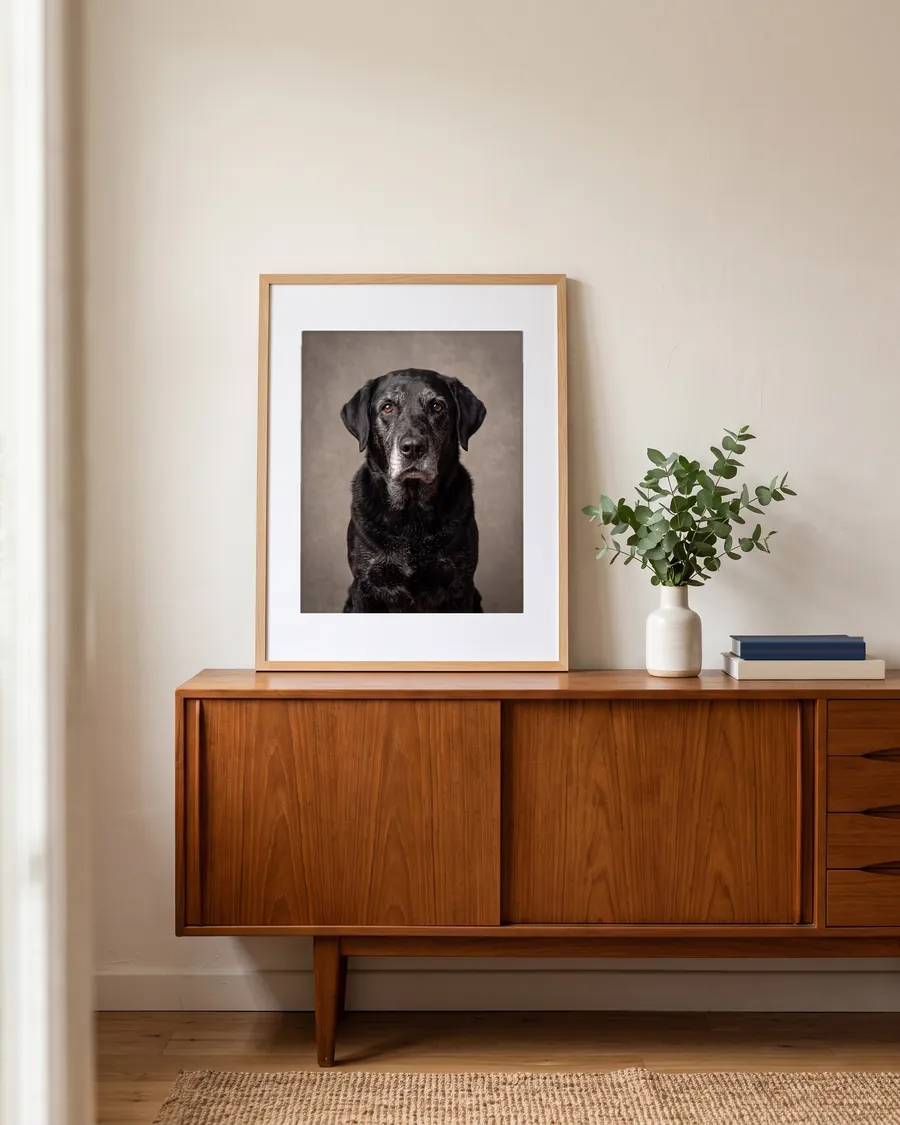
Your file: a JPEG, 3712 × 4608 pixels, sRGB color, set to 300 dpi. It's the full-size file from your order page, not the preview.
Sizes
| Size | How it prints | Why |
|---|---|---|
| 4 × 5 in, 8 × 10 in | Very sharp | about 460 pixels per inch at 8 × 10 |
| 12 × 15 in | Sharp | about 300 pixels per inch |
| 16 × 20 in | Good at a normal viewing distance | about 230 pixels per inch |
| 11 × 14 in | Sharp, with a thin strip trimmed from the sides | the shape is slightly narrower than 4:5 |
| 5 × 7 in, 4 × 6 in | Fine, but more of the sides is trimmed | choose "fit" with a white border to keep the whole picture |
Labs usually suggest 300 pixels per inch for the sharpest prints, and say lower works well for bigger prints seen from a few steps away.
Where to print
Any photo counter or online lab that prints from a digital file. For example, Walgreens prints 8 × 10 photos and 11 × 14 or 16 × 20 posters, and many stores have them ready in about an hour.
Tip: if the order form asks, choose the 8 × 10 or 4 × 5 shape so nothing important is cut off.
We don't sell prints or frames.